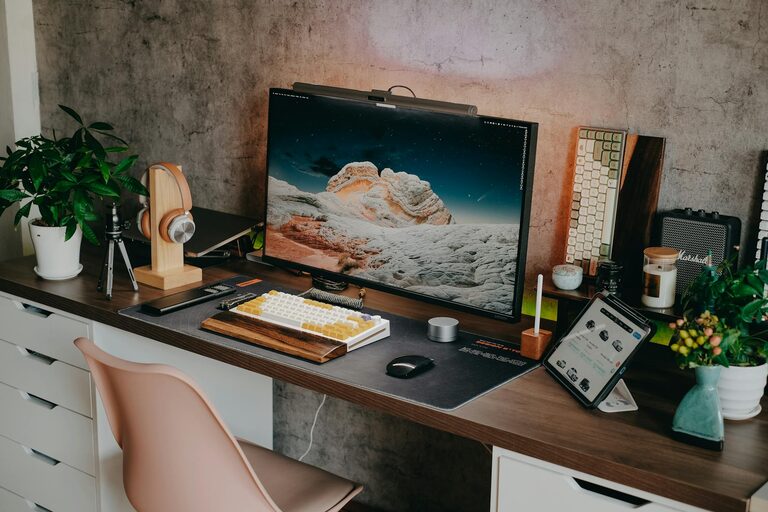
Creating a home workspace that is both clutter-free and efficient can greatly improve your productivity and overall work experience. Whether you work remotely full-time, run a small business from home, or simply need a dedicated area for occasional tasks, organizing your workspace is essential to staying focused and motivated.
In this post, we will explore practical tips for setting up and maintaining a neat, efficient home office space that helps you work smarter.
Why a Clutter-Free Workspace Matters
Your environment directly impacts your mindset and productivity. A messy desk or chaotic room can lead to distractions, increased stress, and difficulty concentrating. On the other hand, a clean, organized workspace fosters clarity, reduces anxiety, and encourages better work habits.
By investing time in organizing your home office, you create a space that supports your best work.
Steps to Organize Your Home Workspace
1. Choose the Right Location
Start by selecting a dedicated area at home where you can work comfortably. Ideally, this space should:
– Receive natural light to boost mood and alertness
– Be quiet and away from high-traffic zones
– Have enough room for your desk, chair, and storage needs
Establishing a consistent location for work helps create mental separation between “work time” and “home time.”
2. Declutter and Simplify Your Desk
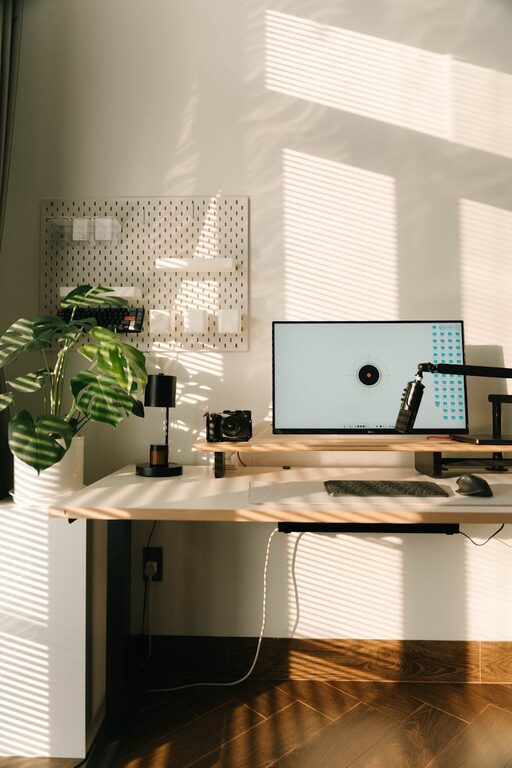
Clear your desk of unnecessary items. Keep only the essentials such as your computer, a notebook, and a pen holder. Too many objects can be distracting and make it harder to focus.
Try these tips to keep your desktop neat:
– Use cable organizers to manage cords and chargers
– Store office supplies in small containers or drawers
– Limit decorations to a few meaningful items that inspire you
3. Invest in Functional Furniture
Choose a desk and chair that are ergonomic and fit your space well. A comfortable chair supports good posture, while a desk with built-in storage drawers can reduce clutter.
Consider using shelves or filing cabinets nearby to keep paperwork and materials organized but out of sight.
4. Use Storage Solutions Wisely
Efficient storage is key to an organized workspace. Some helpful storage options include:
– File folders or binders labeled by category
– Drawer organizers for small items like paper clips or sticky notes
– Vertical shelves to maximize limited space
Finding a designated place for every item ensures you spend less time searching and more time working.
5. Keep Digital Files Organized
Physical clutter isn’t the only concern. A well-structured digital workspace makes a big difference. Organize your files into clearly named folders and back them up regularly.
Use tools like cloud storage and task management apps to keep your projects and deadlines in order.
6. Establish a Cleaning Routine
Set aside a few minutes at the end of each day or week to tidy your workspace. Regular cleaning prevents clutter buildup and keeps the area inviting.
Simple habits like wiping your desk, clearing scrap paper, and putting away supplies help maintain organization.
7. Personalize Mindfully
While maintaining order, it’s important to personalize your workspace to make it pleasant and motivating.
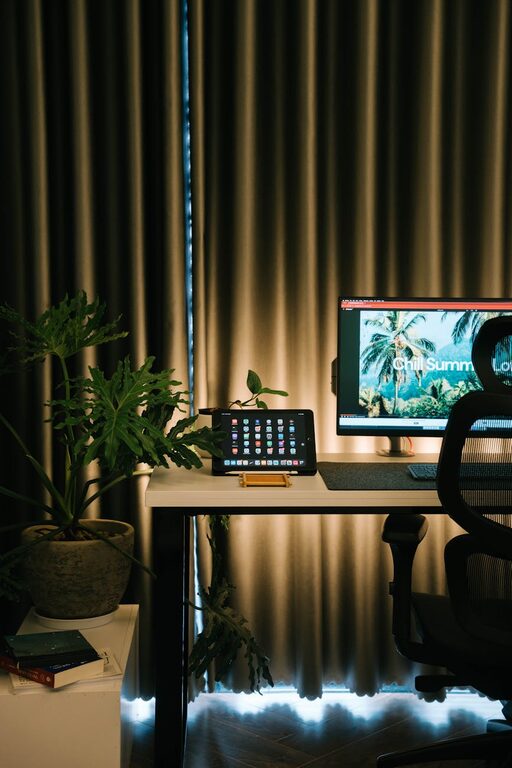
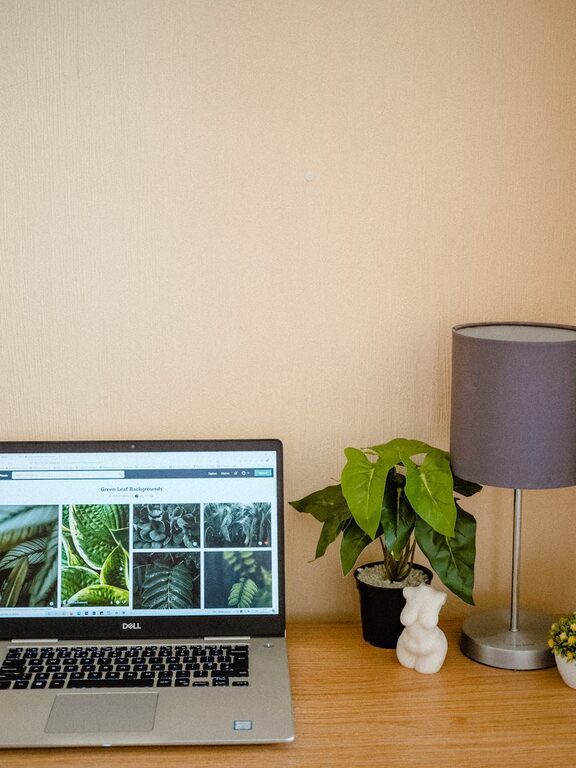
Choose a few decorative elements like a small plant, artwork, or photos. These add warmth without overwhelming your space.
8. Optimize Lighting and Airflow
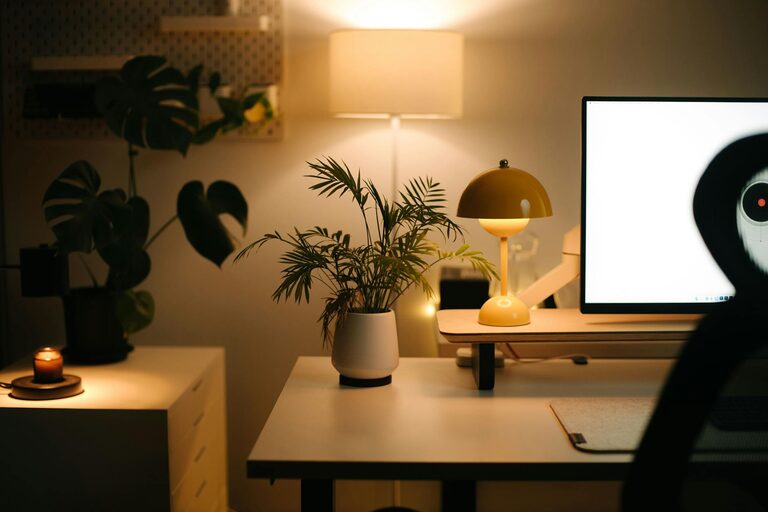
Good lighting prevents eye strain, and fresh air keeps you alert. Use adjustable lamps and keep windows open when possible. If your space feels stuffy, consider a small fan or air purifier.
9. Limit Distractions
Eliminate distractions by turning off unnecessary notifications, using noise-cancelling headphones, or setting boundaries with household members during work hours.
Design a workspace that encourages focus and minimizes interruptions.
Conclusion
Organizing your home workspace takes effort, but the benefits are well worth it. By choosing the right location, decluttering regularly, investing in functional furniture, and using smart storage solutions, you can create an environment where productivity thrives.
Remember, the goal is to design a space that supports your work habits, reduces distractions, and feels comfortable. With these tips, you’ll be on your way to enjoying a clutter-free, efficient home workspace that helps you succeed every day.
About the Author