Creating a relaxing home workspace is essential for maintaining focus and comfort during work hours. Whether you work remotely full-time or occasionally handle tasks from home, a well-designed environment can improve your productivity and overall wellbeing. In this post, we’ll explore practical tips to help you set up a calming and efficient workspace tailored to your needs.
Why a Relaxing Workspace Matters
Working from home offers flexibility, but it can also present distractions and stress. A space that promotes relaxation helps you stay calm, reduces fatigue, and fosters creativity. When your workspace feels inviting and organized, it’s easier to settle into tasks and complete them effectively.
Choose the Right Location
Find a Quiet Spot
Pick an area in your home where you are least likely to be interrupted. This could be a spare room, a corner of your living room, or even a section of your bedroom. The key is to have a space that signals “work mode” to your brain.
Consider Natural Light
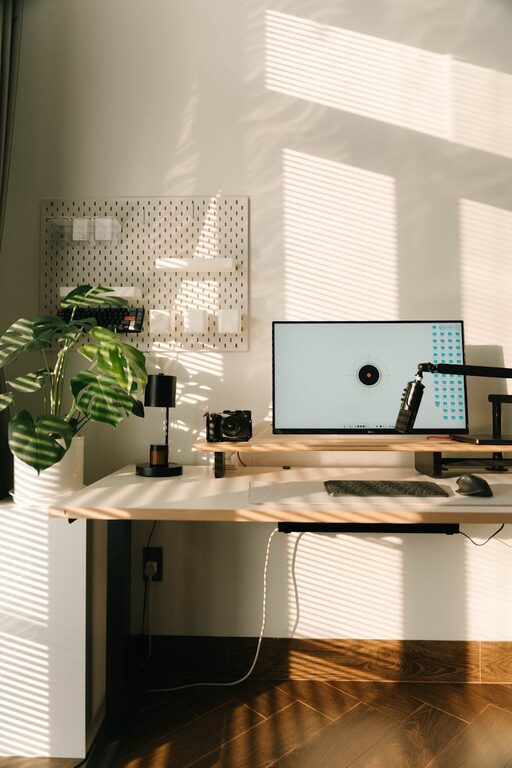
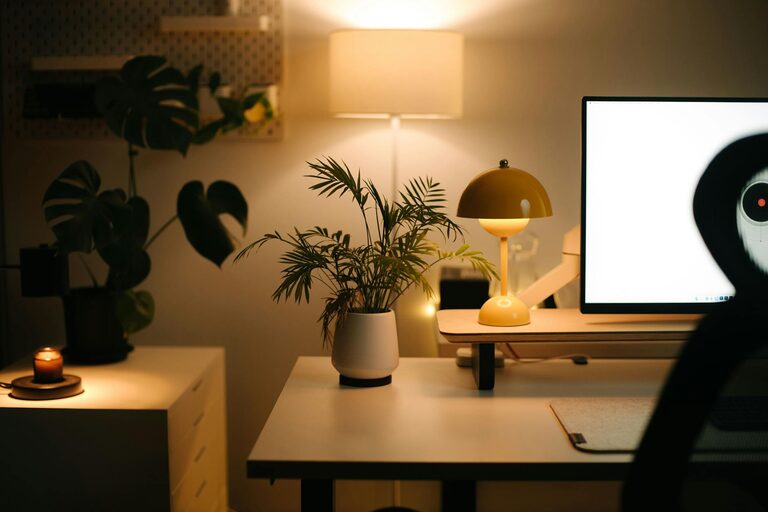
Natural light boosts mood and energy. Set up your desk near a window if possible. If natural light is limited, invest in quality lighting that mimics daylight to keep your space bright and uplifting.
Invest in Comfortable Furniture
Ergonomic Chair and Desk
A supportive chair and a desk at the right height prevent discomfort and promote good posture. Look for adjustable chairs with lumbar support, and consider a standing desk option to vary your working positions throughout the day.
Add Soft Elements
Incorporate cushions, soft rugs, or a cozy throw blanket to bring warmth and comfort to your space. These small touches can make your workstation feel more inviting and less clinical.
Minimize Clutter and Stay Organized
Use Storage Solutions
Keep your desktop clear by using drawers, shelves, or organizers for supplies and paperwork. Clutter can be distracting and stressful, so having a system for your belongings helps maintain a calm environment.
Regularly Declutter
Spend a few minutes at the end of each day tidying up your workspace. This habit keeps your area neat and prepares you mentally for the next work session.
Incorporate Calming Elements
Add Greenery
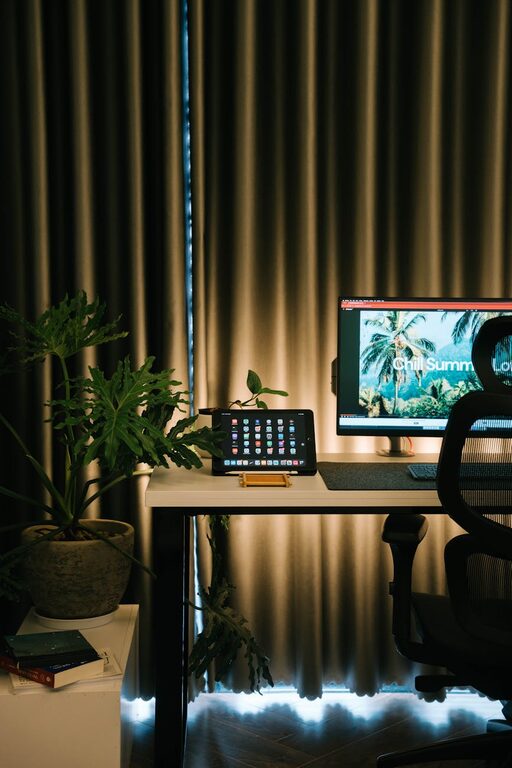
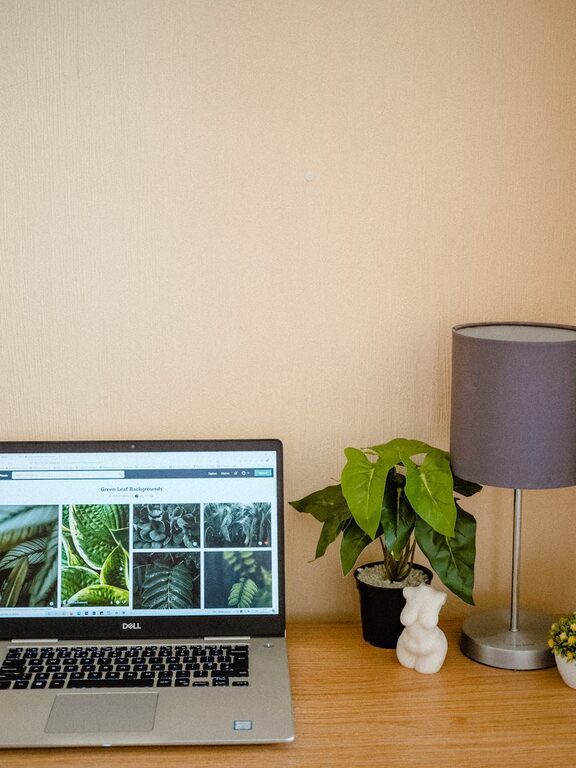
Plants not only improve air quality but also create a soothing atmosphere. Choose low-maintenance options like succulents or snake plants to add life to your space without extra work.
Use Soothing Colors
Soft, neutral tones or pastel shades tend to be calming. Consider painting a wall or using accessories in colors like light blue, soft green, or beige to promote relaxation.
Personalize Tastefully
Include personal items that make you happy, such as artwork, photos, or inspirational quotes. Keep it minimal to avoid visual distractions, but allow your space to reflect your personality.
Manage Noise Levels
Use Noise-Canceling Headphones
If you live in a noisy environment, noise-canceling headphones can help you focus by blocking out background sounds.
Play Soothing Background Music
Some people find that gentle instrumental music or nature sounds enhance concentration and relaxation.
Maintain Proper Airflow and Temperature
Working in a space that is too hot or cold can be uncomfortable. Ensure there is good ventilation, and use a fan, heater, or air purifier as necessary to keep the air fresh and temperature comfortable.
Establish Boundaries and Routine
Set clear work hours to separate professional time from personal time. Use your workspace exclusively for work to reinforce mental boundaries. Having a designated work zone helps your brain associate that area with focus and productivity.
Take Regular Breaks
Incorporate short breaks to stretch, walk, or practice deep breathing. These moments help reduce stress and eye strain, keeping you refreshed and alert.
Final Thoughts
Designing a relaxing home workspace doesn’t have to be complicated or expensive. By choosing the right location, investing in comfortable furniture, minimizing clutter, and adding calming touches, you create an environment that supports both comfort and productivity. Take the time to personalize your space in ways that suit your workflow and preferences—it’s an investment that pays off in better focus and wellbeing.
About the Author