Creating a cozy and productive home workspace is essential for anyone working remotely or spending a significant amount of time at home on projects. A well-designed workspace can improve your focus, reduce stress, and make your workday more enjoyable. Here are some helpful tips to transform any corner of your home into an inviting and efficient office space.
Choose the Right Location
Finding the ideal spot for your workspace is the first step. Consider these factors when selecting a location:
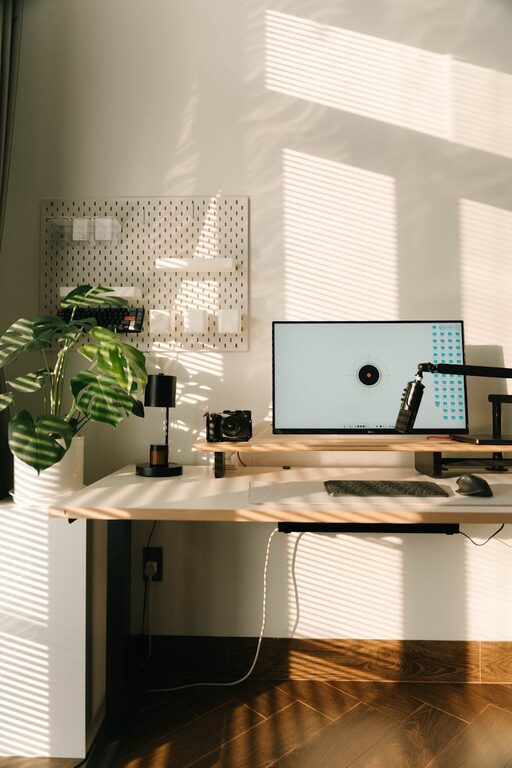
– Natural Light: Position your desk near a window to benefit from natural light, which can boost your mood and energy.
– Quiet Environment: Choose a space with minimal distractions to help maintain concentration.
– Separate from Living Areas: If possible, set up your workspace away from high-traffic areas to create a boundary between work and relaxation.
Invest in Comfortable Furniture
Comfort plays a crucial role in productivity, especially if you spend long hours working. Here’s what to keep in mind:
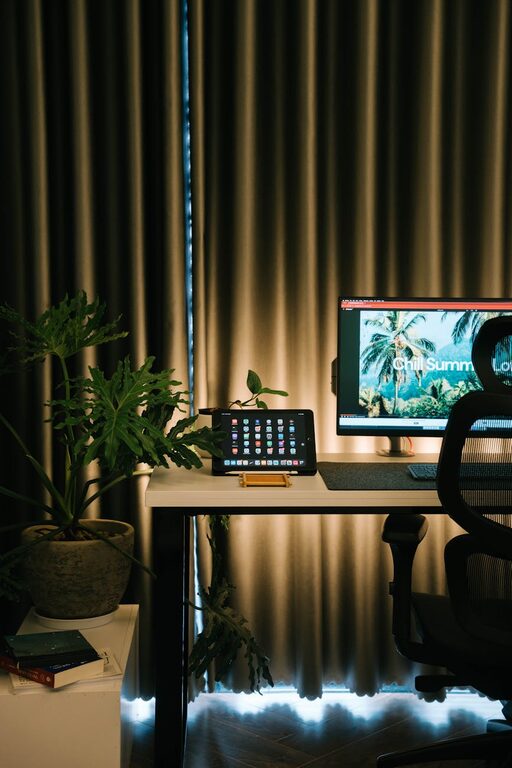
– Ergonomic Chair: Select a chair that supports good posture and can be adjusted to your height.
– Proper Desk: Choose a desk with enough surface area for your computer, notes, and any other tools you need.
– Footrest: If your feet don’t comfortably reach the ground, consider a footrest to reduce strain.
Organize with Purpose
Clutter can be distracting. A neat and organized workspace helps keep your mind clear and your work efficient.
– Storage Solutions: Use shelves, drawers, or organizers to keep supplies tidy.
– Cable Management: Employ cable clips or sleeves to prevent tangled cords.
– Minimalist Approach: Only keep essential items on your desk to maintain a clean environment.
Add Personal and Cozy Touches
Making your workspace inviting can improve your comfort and motivation.
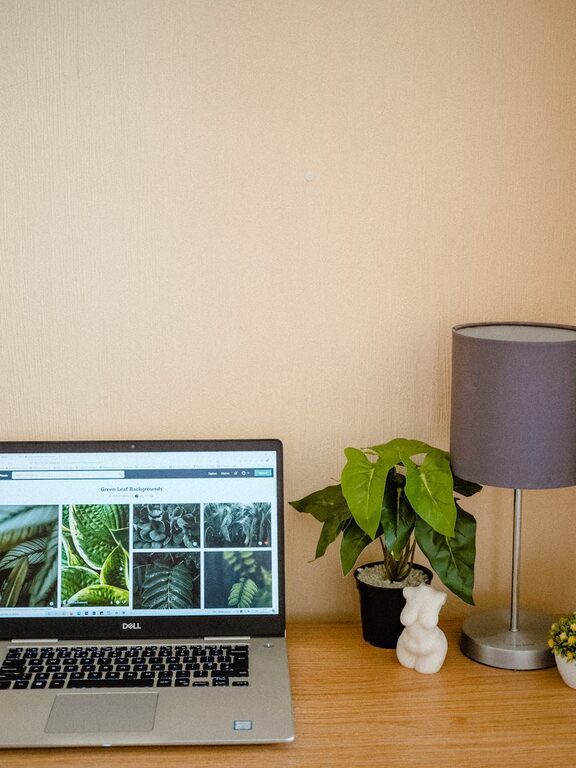
– Plants: Adding greenery improves air quality and adds a touch of nature.
– Soft Textiles: Consider a cozy rug or a comfortable throw blanket.
– Personal Items: Photos, artwork, or decorative objects that inspire you can make the space feel welcoming.
Optimize Lighting
Good lighting reduces eye strain and keeps you alert.
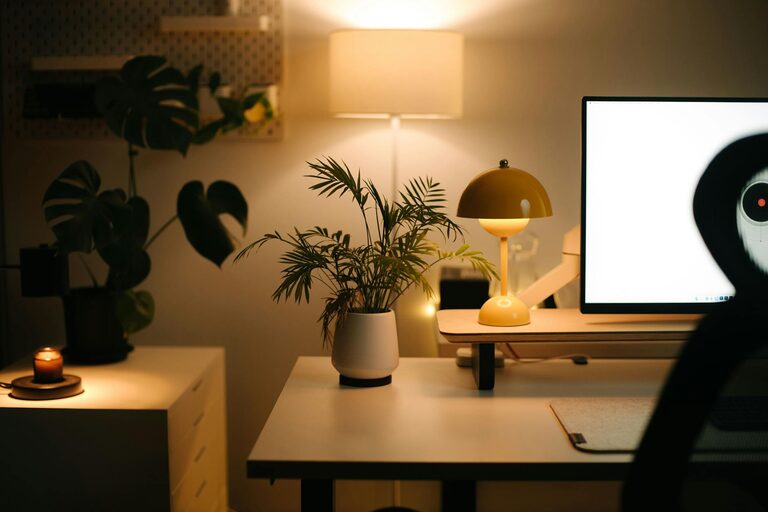
– Task Lighting: Use a desk lamp to illuminate your work area without causing glare.
– Adjustable Lights: Choose lighting that can be dimmed or brightened to suit the time of day.
– Avoid Screen Glare: Position your computer screen to prevent reflections from windows or lamps.
Establish a Routine
Creating boundaries and habits can enhance both comfort and productivity.
– Designate Work Hours: Set specific times to start and end your workday.
– Take Breaks: Regular breaks help prevent burnout and keep your mind fresh.
– Dress for Work: Changing into work-appropriate clothes can signal your brain to focus.
Utilize Technology Wisely
Make your workspace efficient with the right tech tools.
– Reliable Internet: Ensure your connection is strong to avoid interruptions.
– Noise-Canceling Headphones: These can reduce distractions in noisy environments.
– Productivity Apps: Use tools for task management, time tracking, or note-taking to stay organized.
Keep Air Quality Fresh
Good air quality helps maintain alertness and overall well-being.
– Ventilation: Open windows regularly to circulate fresh air.
– Air Purifiers: Consider using an air purifier if your space tends to be stuffy.
– Humidity Levels: A small humidifier may help, especially during dry winter months.
Maintain Flexibility
Adjust your workspace setup as your needs change.
– Standing Desk Options: Consider a sit-stand desk to alternate your posture.
– Movable Furniture: Lightweight furniture allows for easy reconfiguration.
– Regular Reassessment: Periodically evaluate what’s working and what can be improved.
—
Designing a home workspace that balances comfort and productivity doesn’t have to be complicated. By focusing on location, comfort, organization, lighting, and routines, you can create an environment that supports your best work. Remember, your workspace should be a place where you feel motivated, relaxed, and ready to tackle your tasks every day.
About the Author