Creating a productive workspace is more than just having a desk and a chair. How you organize your workspace can significantly impact your focus, efficiency, and overall productivity. Whether you work from home or in an office, a tidy and thoughtfully arranged space can help reduce distractions and improve your workflow. Below, you’ll find simple tips to organize your workspace and make it a place that encourages productivity.
Why Organize Your Workspace?
Before diving into tips, it’s important to understand why workspace organization matters. An organized area:
– Reduces stress and anxiety by eliminating clutter
– Saves time spent searching for materials or documents
– Enhances concentration by minimizing distractions
– Encourages a positive and professional mindset
Step 1: Declutter Your Desk
The first step to organizing your workspace is to remove everything that isn’t necessary.
How to Declutter Effectively
- **Clear Everything Off:** Start fresh by removing all items from your desk.
- **Sort Items:** Categorize what you use daily, weekly, rarely, or never.
- **Keep Essentials Only:** Place back only the items you need regularly on your desk.
- **Find a Place for Extras:** Store seldom-used items in drawers, shelves, or boxes.
By starting with a clean slate, you gain clarity on what truly belongs on your desk.
Step 2: Optimize Desk Layout
Now that you have only the essentials, organize these items in a way that supports your workflow.
Tips for Desk Arrangement
– Keep Frequently Used Items Within Reach: Place your phone, notepad, pens, and computer accessories where you can easily grab them.
– Position Your Monitor at Eye Level: This reduces neck strain and improves posture.
– Use Desk Organizers: Small containers or trays can hold stationery and other small items neatly.
– Create Zones: Establish areas for different activities, such as writing, using your computer, or reviewing paperwork.
An organized layout helps you work more comfortably and avoid interruptions caused by searching for tools.
Step 3: Manage Cables and Electronics
Cables and electronic devices can quickly clutter your workspace.
Cable Management Strategies
– Use Cable Ties or Clips: These keep cables bundled and out of the way.
– Label Your Cables: Knowing which cable belongs to which device saves troubleshooting time.
– Consider Wireless Devices: Keyboards, mice, and chargers can help reduce wire clutter.
– Designate a Charging Station: Keep chargers in one spot to avoid multiple cables scattered around.
Keeping your electronic setup orderly prevents distractions and creates a cleaner visual environment.
Step 4: Incorporate Storage Solutions
Efficient storage keeps your workspace clean and everything accessible.
Storage Ideas
– Use Drawer Dividers: These separate small items like paperclips, sticky notes, and pens.
– Install Shelves: Additional shelving helps store books, binders, and decorative items.
– Add File Holders: Vertical file holders make folders easy to organize and reach.
– Try Under-Desk Storage: Rolling carts or bins can keep items close but out of sight.
Having designated spots for everything prevents clutter from accumulating again.
Step 5: Personalize Your Workspace Wisely
Personal touches make your workspace inviting but should not interfere with productivity.
Suggestions for Personalization
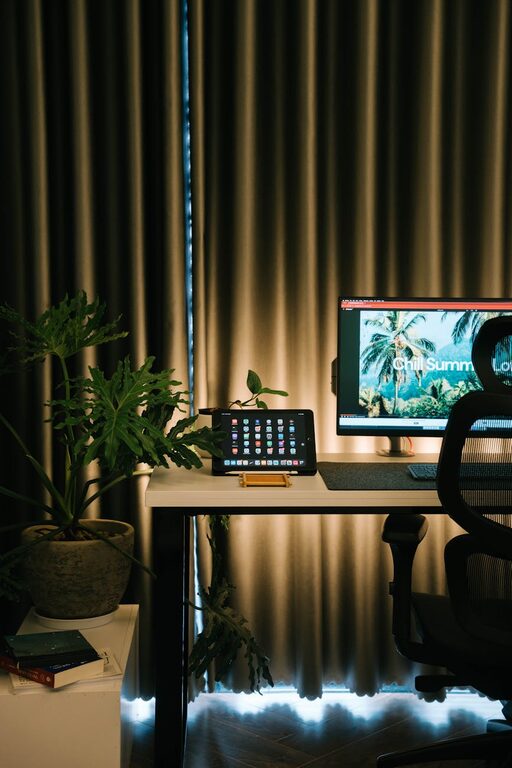
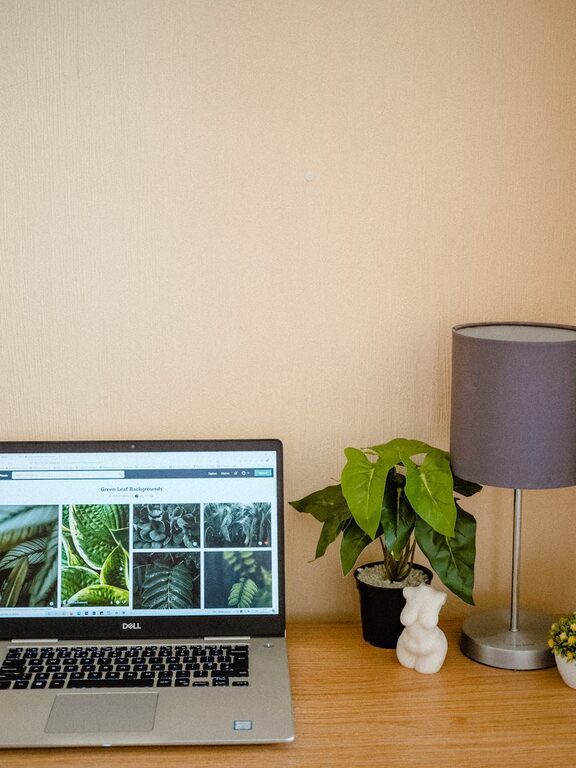
– Add Plants: Small, low-maintenance plants improve air quality and provide a calming effect.
– Display Inspirational Quotes: Place motivational messages or images within view.
– Limit Decorations: Avoid overcrowding your desk with too many items.
– Use Color Strategically: Colors like blue or green are known to have calming effects.
Remember, your workspace should feel pleasant without being distracting.
Step 6: Establish Daily and Weekly Routines
Organization is an ongoing process. Setting routines helps maintain your workspace.
Routine Tips
– End of Day Clean-Up: Spend 5 minutes each day putting things back in place.
– Weekly Review: Evaluate if your system still works and adjust as needed.
– Paper Management: Regularly sort, file, or shred documents.
– Digital Organization: Don’t forget to organize your computer files and emails.
Consistent habits keep your workspace organized and ready for productivity.
Bonus Tip: Optimize Lighting and Ergonomics
A well-organized workspace also considers comfort and lighting.
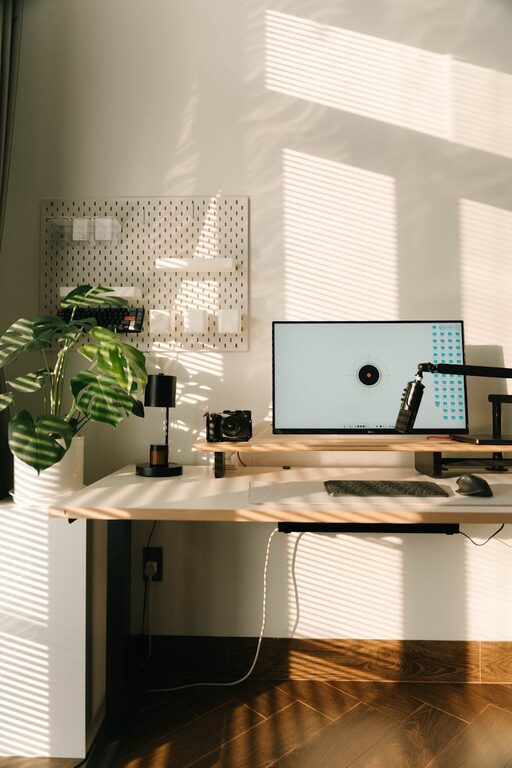
– Natural Light: Position your desk near a window if possible.
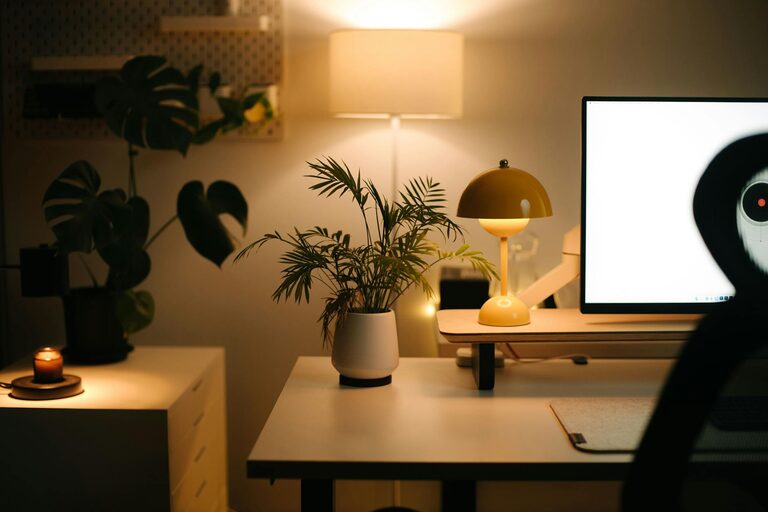
– Task Lighting: Use a desk lamp for focused work.
– Ergonomic Chair and Desk: Ensure your chair and desk height support good posture.
– Screen Breaks: Take regular breaks to reduce eye strain and improve focus.
Good lighting and comfortable seating contribute to a productive environment.
—
Final Thoughts
Organizing your workspace doesn’t have to be complicated. By decluttering, optimizing layout, managing cables, and establishing routines, you create a space that enhances your productivity and focus. Start small, and over time, your neat and efficient workspace will support your best work every day.
About the Author