Creating a productive home office environment is essential for anyone working remotely or managing tasks from home. With the right setup, you can boost your focus, maintain motivation, and achieve better work-life balance. Whether you’re new to working from home or looking to improve your current setup, these tips will help you design a space that supports your productivity and well-being.
Choose the Right Location
Selecting the perfect spot for your home office is the first step toward productivity.
– Quiet and Low-Traffic Area: Pick a location away from household noise and distractions to help maintain concentration.
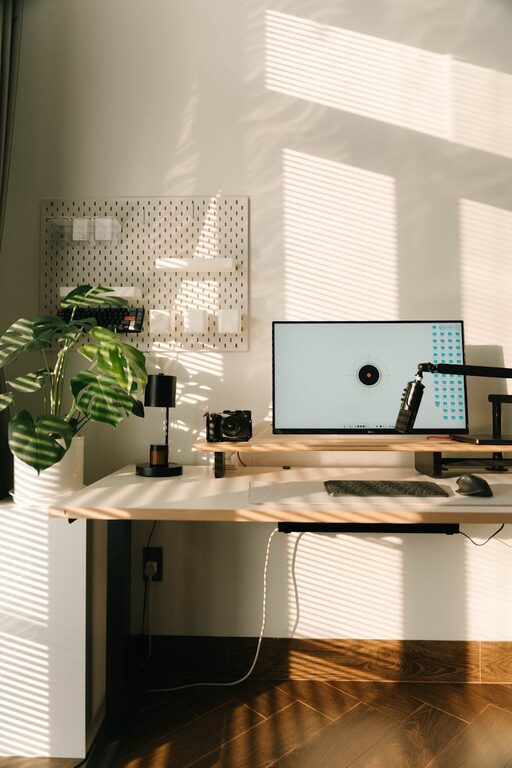
– Natural Light: Position your desk near a window if possible. Natural light improves mood and energy.
– Separate from Living Spaces: If feasible, avoid setting up where you usually relax, like the couch or bedroom, to create a mental boundary between work and personal time.
Invest in Ergonomic Furniture
Comfort plays a big role in how well you can focus during work hours.
– Supportive Chair: Choose an adjustable chair that supports your back and encourages good posture.
– Proper Desk Height: Your desk should allow your arms to rest naturally, with elbows at about a 90-degree angle.
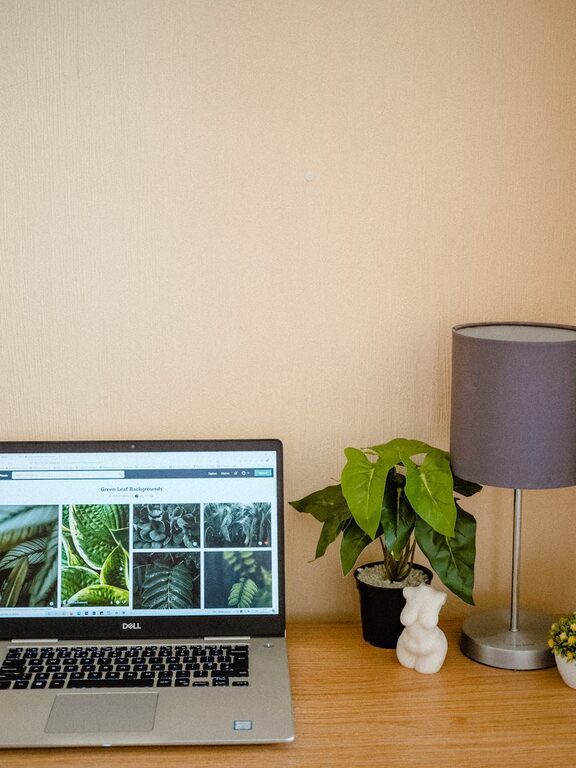
– External Accessories: Use an external keyboard and mouse if you work on a laptop, and consider a monitor stand to keep your screen at eye level.
Organize Your Workspace Effectively
Clutter can hinder productivity, so organize your office with this in mind.
– Keep Essentials Close: Store frequently used items within easy reach.
– Use Storage Solutions: Shelves, drawers, and organizers help keep papers and supplies tidy.
– Cable Management: Use clips or cable sleeves to prevent cords from tangling and creating visual distraction.
Minimize Distractions
Distractions are common at home, but controlling them helps maintain your workflow.
– Set Boundaries: Let family members or roommates know your work hours and avoid interruptions during those times.
– Turn Off Notifications: Silence non-essential phone and computer notifications while working.
– Use Noise-Canceling Headphones: They can help block out background noise and keep you focused.
Incorporate Personal Touches
A workspace that feels inviting can improve your motivation.
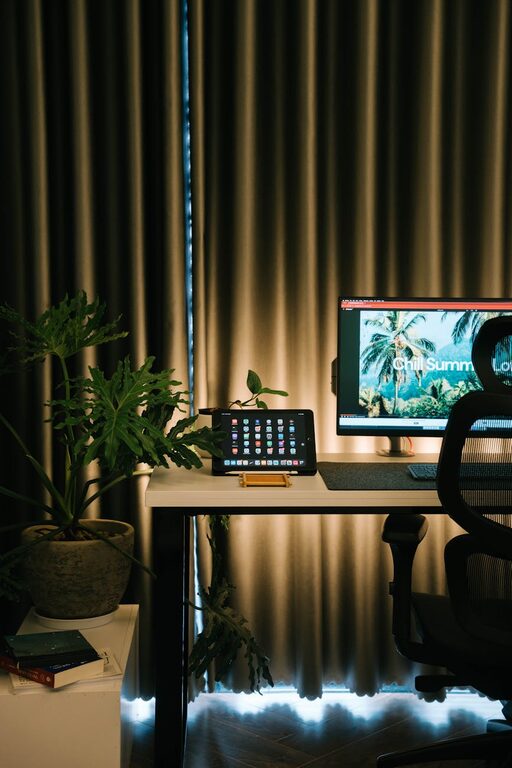
– Add Plants: Indoor plants improve air quality and add a calming element.
– Display Inspiring Items: Photos, artwork, or motivational quotes can boost mood.
– Choose Calm Colors: Soft, neutral tones generally create a relaxing atmosphere.
Establish a Routine
Creating structure around your workday supports productivity.
– Set Regular Hours: Working consistent hours helps maintain boundaries and prevents burnout.
– Take Breaks: Schedule short breaks to stretch, walk around, or rest your eyes.
– Plan Your Day: Use to-do lists or planners to prioritize tasks and stay organized.
Utilize Technology Wisely
Technology can streamline your work but also become a distraction.
– Use Productivity Apps: Tools like task managers, calendars, and timers can keep you on track.
– Maintain Good Internet Connection: Reliable connectivity reduces frustration, especially for virtual meetings.
– Keep Tech Organized: Regularly update software and clean up your digital workspace.
Prioritize Good Lighting
Proper lighting reduces eye strain and maintains alertness.
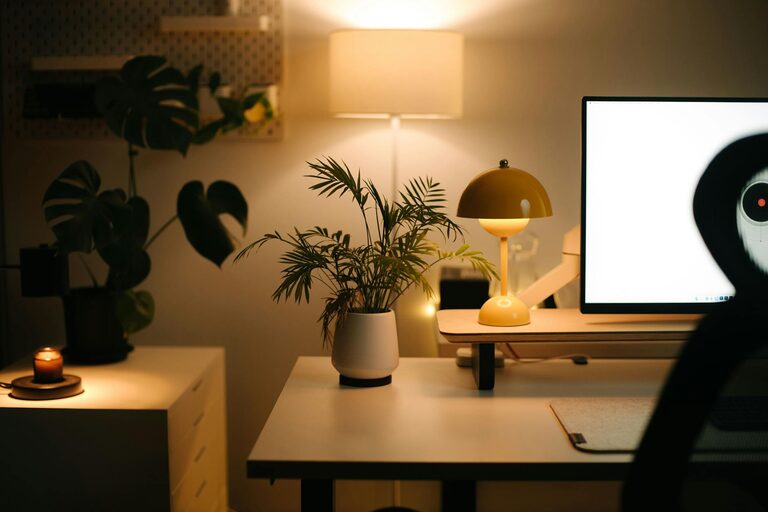
– Combine Natural and Artificial Light: Use desk lamps with adjustable brightness for cloudy days or evening work.
– Avoid Screen Glare: Position your monitor to minimize reflections from windows or lights.
Conclusion
A productive home office environment supports not just work output but also your overall well-being. By setting up a comfortable, organized, and distraction-free space, you create a foundation for focused and effective workdays. Take the time to customize your workspace according to these tips, and you’ll likely notice a positive change in your productivity and work satisfaction.
About the Author