
Creating a clutter-free workspace is more than just an aesthetic choice—it’s a practical step that can significantly boost your productivity and reduce stress. A tidy, organized area helps you focus, find what you need quickly, and maintain a positive mindset throughout your workday. If your desk is often crowded with papers, tools, or digital distractions, don’t worry. This post will guide you through practical tips to organize your workspace efficiently.
Why a Clutter-Free Workspace Matters
Before diving into the how-to, let’s talk briefly about why keeping your workspace clutter-free is beneficial:
– Improved Focus: Fewer distractions around you lead to better concentration.
– Time-Saving: When everything has its place, you spend less time searching for items.
– Reduced Stress: A neat space can help calm the mind.
– Enhanced Creativity: An orderly environment often encourages clearer thinking.
– Professional Atmosphere: If you have clients or colleagues visiting, a tidy space reflects well on you.
Now let’s explore practical steps to get and stay organized.
Step 1: Clear Everything and Start Fresh
Before organizing, remove everything from your desk and surrounding area. This might feel overwhelming at first but it allows you to see what you have and rethink your space from scratch.
– Sort items into categories: Keep, Relocate, Toss/Recycle.
– Be honest about what you use daily versus items that just take up space.
– Dispose of outdated papers, broken items, or duplicates.
Step 2: Organize with Functionality in Mind
Think about how you use your workspace. The goal is to arrange items so that frequently used things are easily accessible.
Desk Essentials
– Place your computer, phone, and writing tools within arm’s reach.
– Use a simple desk organizer for pens, sticky notes, and small tools.
– Keep only what you use daily on your desk surface.
Storage Solutions
– Use drawers or shelves to store less frequent items.
– Label storage boxes or files for easy identification.
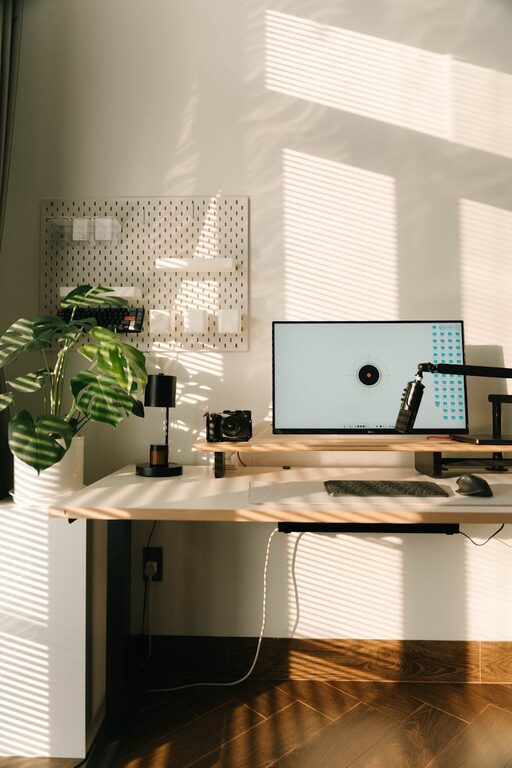
– Consider vertical storage like wall shelves or pegboards to save desk space.
Step 3: Manage Cables and Electronics
Electronic devices and cables can quickly add to clutter.
– Use cable clips or ties to bundle cords neatly.
– Power strips with surge protectors can keep plugs consolidated.
– Limit the number of electronic devices on your desk to essentials only.
Step 4: Adopt Daily and Weekly Habits
Keeping your workspace clutter-free requires regular maintenance.
– Spend 5 minutes at the end of each day tidying your desk.
– File papers immediately rather than stacking them.
– Schedule a weekly review to check for things that need to be relocated or discarded.
Step 5: Personalize Mindfully
Having a few personal touches can make your workspace inviting but avoid overloading it with decor.
– Choose one or two framed photos or inspiring quotes.
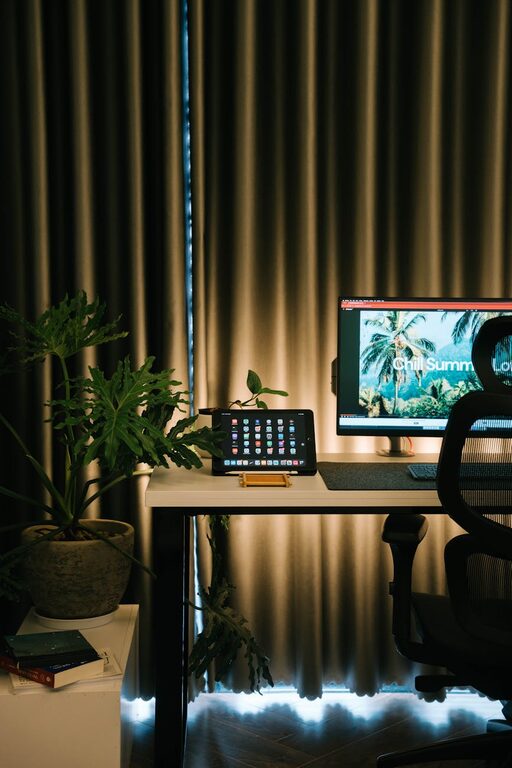
– Use plants to add a natural element, which can boost morale.
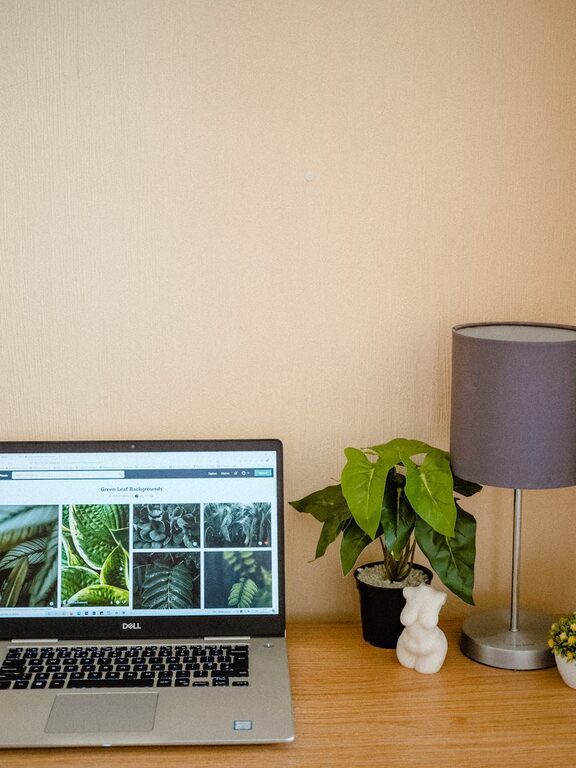
– Keep decorations minimal to avoid distraction.
Bonus Tips for Digital Organization
A clutter-free workspace isn’t just physical; your digital environment matters too.
– Organize files in clear folders on your computer.
– Declutter your desktop and browser tabs.
– Use tools like digital to-do lists or calendars to keep track of tasks.
Final Thoughts
A clutter-free workspace is achievable with a bit of planning and consistent effort. By clearing out unnecessary items, organizing based on your workflow, managing cables, and maintaining good habits, you create an environment that supports your best work. Start small, keep your priorities in mind, and enjoy the benefits of a tidy, productive workspace.
—
Remember, your workspace should work for you—not the other way around. Making it clutter-free is one of the simplest ways to boost productivity and create a healthier work atmosphere.
About the Author